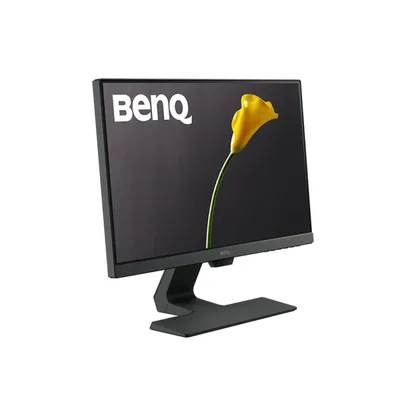
Monitors
Monitors & Displays in Saudi Arabia
Upgrade your workspace with the right display. We stock Full-HD office monitors, high-refresh gaming screens and colour-accurate professional panels from Dell, HP, Lenovo, LG, Samsung, BenQ and more — all genuine, warranty-backed and ready to ship across Saudi Arabia.
Filter & search all Monitors →
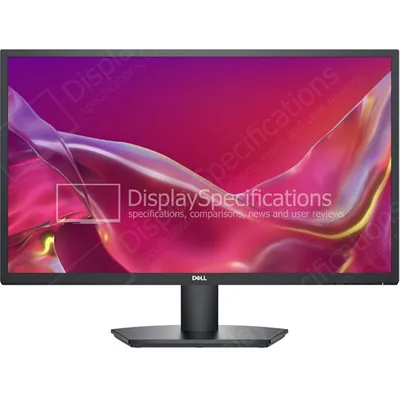
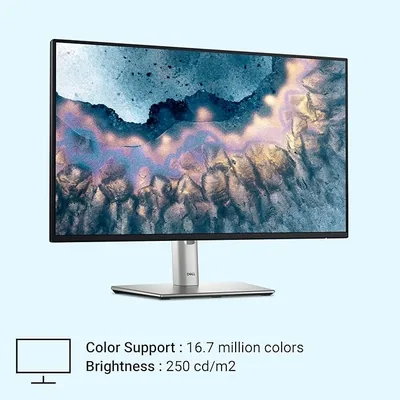
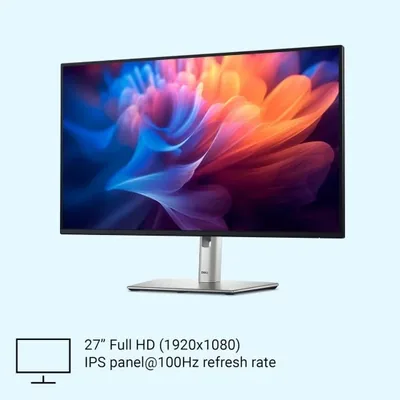
How to Choose the Right Monitor
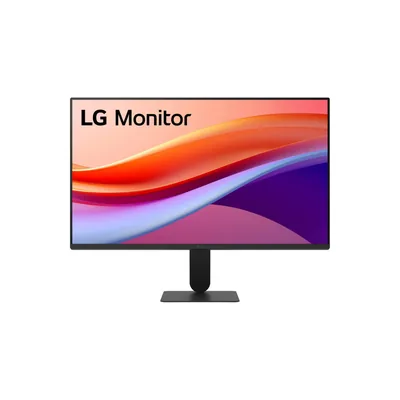
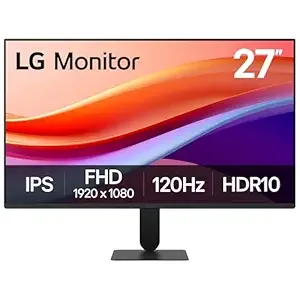
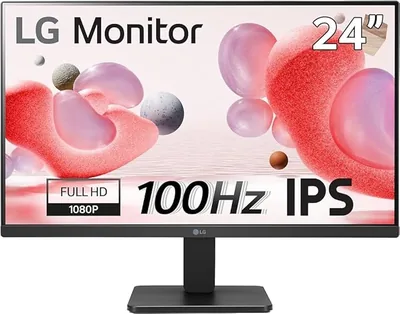
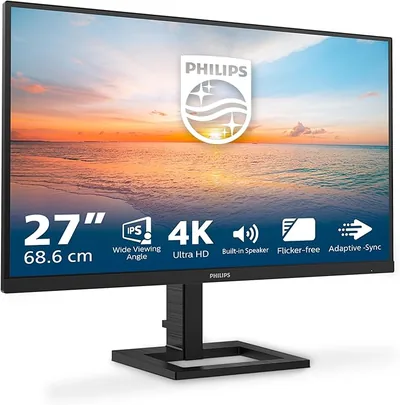
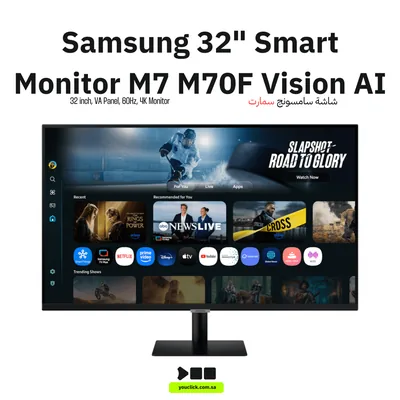
Start with size, resolution and viewing distance. A 22- to 24-inch Full HD screen is a practical office standard: text stays clear, it fits most desks and two screens can sit side by side. At 27 inches, Full HD remains economical, while QHD gives more usable workspace and sharper text. For 32 inches, 4K is the better fit for detailed spreadsheets, dashboards, design and video. Do not buy by diagonal size alone: the same size can come in very different resolutions.
Panel type changes the experience. IPS gives consistent colour and wide viewing angles for office, design and shared screens. VA offers stronger contrast and suits films and curved displays. TN is usually chosen for speed rather than colour. Check brightness, anti-glare finish and viewing position if the screen will sit under strong office lighting.
Connections matter. HDMI is common, DisplayPort is useful for business docks and high refresh rates, and VGA is mainly for older equipment. A laptop user may also need USB-C power delivery, but that feature must be confirmed on the exact model.
Which Monitor Fits Your Need?
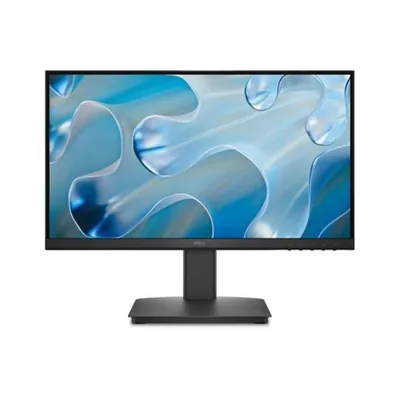
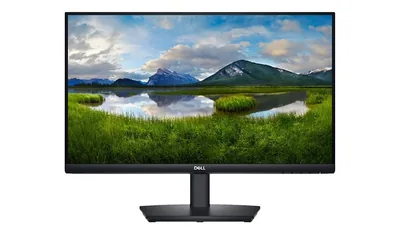
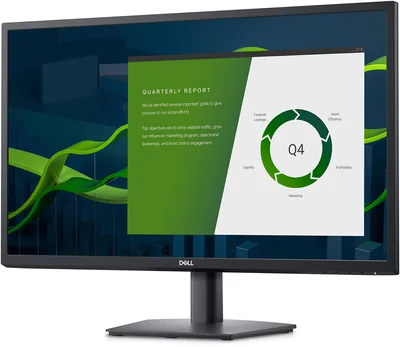
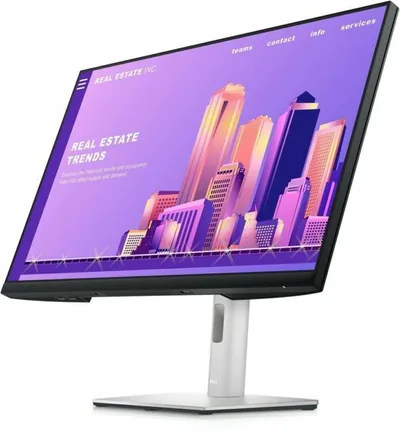
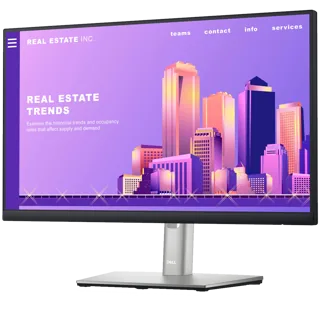
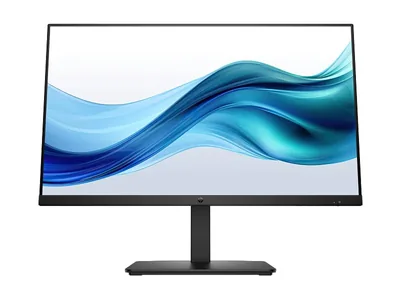
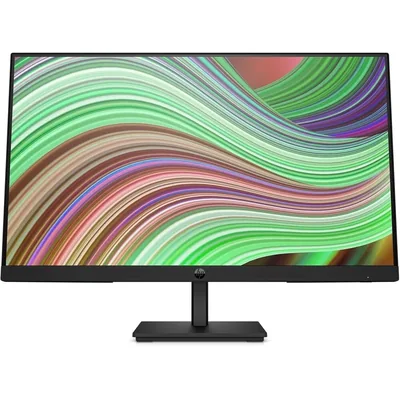
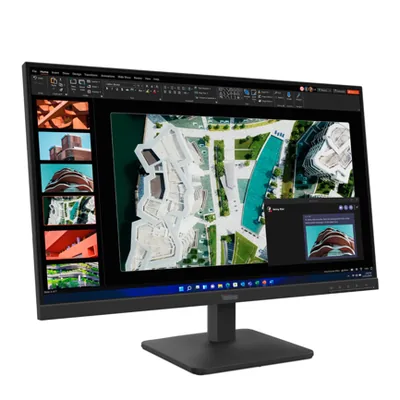
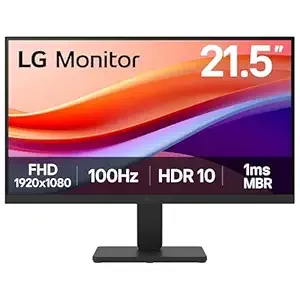
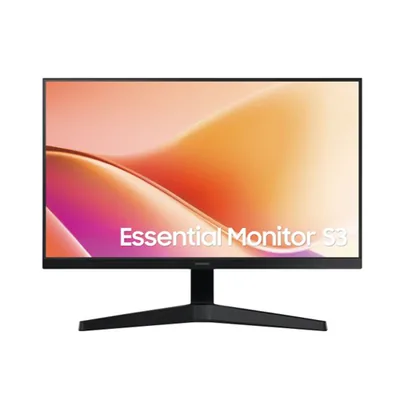
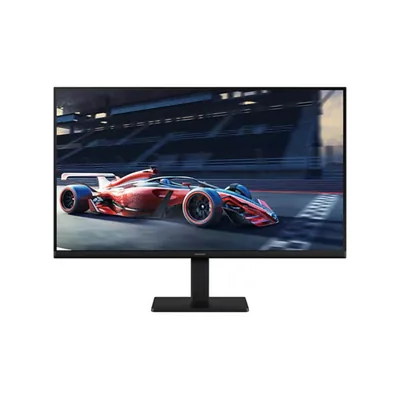
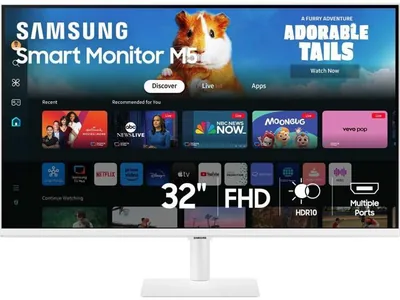
Office and home work. Choose a 22- to 27-inch Full HD IPS model with a tilt or adjustable stand. Diyar’s current monitor range includes Dell P-series and E-series, HP, Lenovo ThinkVision, LG and Samsung choices for individual desks and office rollouts. For long documents, check stand height and VESA mounting as well as screen size.
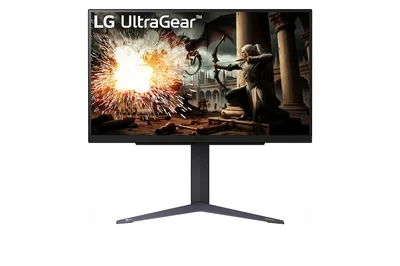
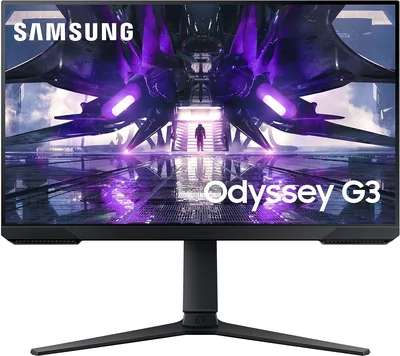
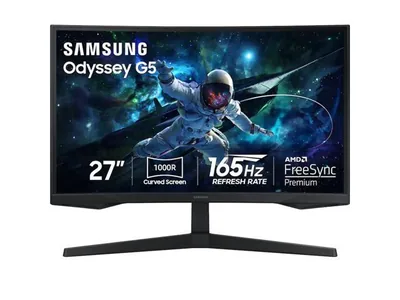
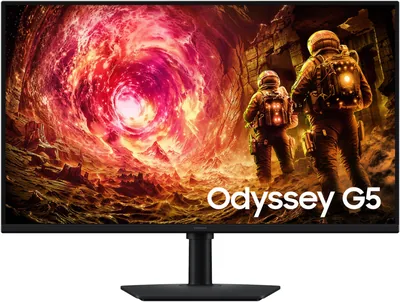
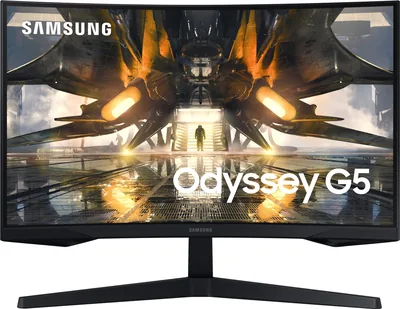
Gaming. Refresh rate and response time become important. The current range includes 100Hz, 165Hz and 180Hz models, including Samsung Odyssey and LG UltraGear options. Match the resolution and refresh rate to the outputs and performance of your graphics card; a fast monitor cannot create frames the GPU does not produce. Adaptive-sync support should also be checked against the computer.
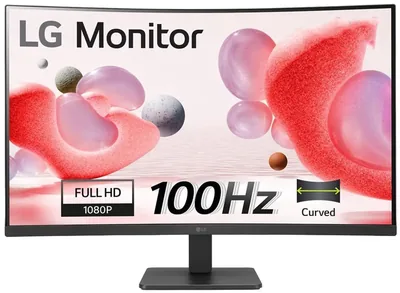
Creative work and large dashboards. Prefer IPS, QHD or 4K, enough workspace, and the colour coverage required by your software. A curved screen can improve immersion but is not automatically better for colour-critical work. Ask us to confirm panel, ports, stand and colour specifications.
Genuine Displays and Warranty Support
Diyar Computers supplies genuine monitors from Dell, HP, Lenovo, LG, Samsung, BenQ, Philips and ViewSonic. We are an HP Gold Partner and authorized Dell and Lenovo partner. Genuine regional stock matters for warranty handling and for receiving the advertised panel and accessories.
For a final quotation, use the exact model and part number. Similar names can hide different ports, stands, wireless features, capacities or warranty terms. Availability changes, so our team confirms live stock before accepting an order.
Delivery and Complete Desk Setups
We deliver from Riyadh across Saudi Arabia and can quote for one screen or a matched multi-monitor office rollout. Businesses and government buyers can request official quotations. Tell us the computer model, desk space, preferred size, resolution and number of screens so we can shortlist compatible choices.
Complete the desk with a UPS for power protection and suitable storage or graphics. For quantity orders, ask us to keep the same part number across desks so ports, controls and colour remain consistent.
Frequently Asked Questions
Is Full HD enough for a 27-inch monitor?
Yes for general office use and value-focused setups. Choose QHD or 4K for sharper text, more workspace or detailed creative work.
What refresh rate do I need?
60Hz to 100Hz is comfortable for office work. Competitive gaming benefits from 144Hz or higher when the computer can deliver matching frame rates.
Do you supply monitors in bulk?
Yes. Diyar can prepare an official quotation for matched office monitors and deliver across Saudi Arabia.
Which connection should I choose?
Use HDMI for most computers, DisplayPort for business docks and high-refresh setups, and VGA only for legacy equipment.
Can you confirm VESA mounting or an adjustable stand?
Yes. Send the exact model or your mounting requirement and we will check the part-number specification.